
This article contains affiliate links. We may earn a commission from qualifying purchases.
As an Amazon Associate I earn from qualifying purchases.
A video doorbell is one of the easiest smart-home upgrades to understand: it shows who is at the door, helps you keep an eye on deliveries and can alert you before someone ever presses the button. The hard part in 2026 is not finding a doorbell camera. It is choosing the right power method, ecosystem, recording plan and field of view for your actual front entry.
This guide focuses on seven models that make sense for different buyers. Recommendations are based on current manufacturer specifications, ecosystem compatibility and practical fit. We do not claim hands-on testing unless an article specifically says so. As an Amazon Associate, The All Guy earns from qualifying purchases.
New to connected-home gear? Start with our Smart Home for Beginners: The Complete 2026 Guide and Best Smart Home Devices for Beginners in 2026 before deciding which front-door ecosystem fits your home.
QUICK PICKS: BEST VIDEO DOORBELLS IN 2026
Seven smart video doorbells for different homes, ecosystems and recording preferences.
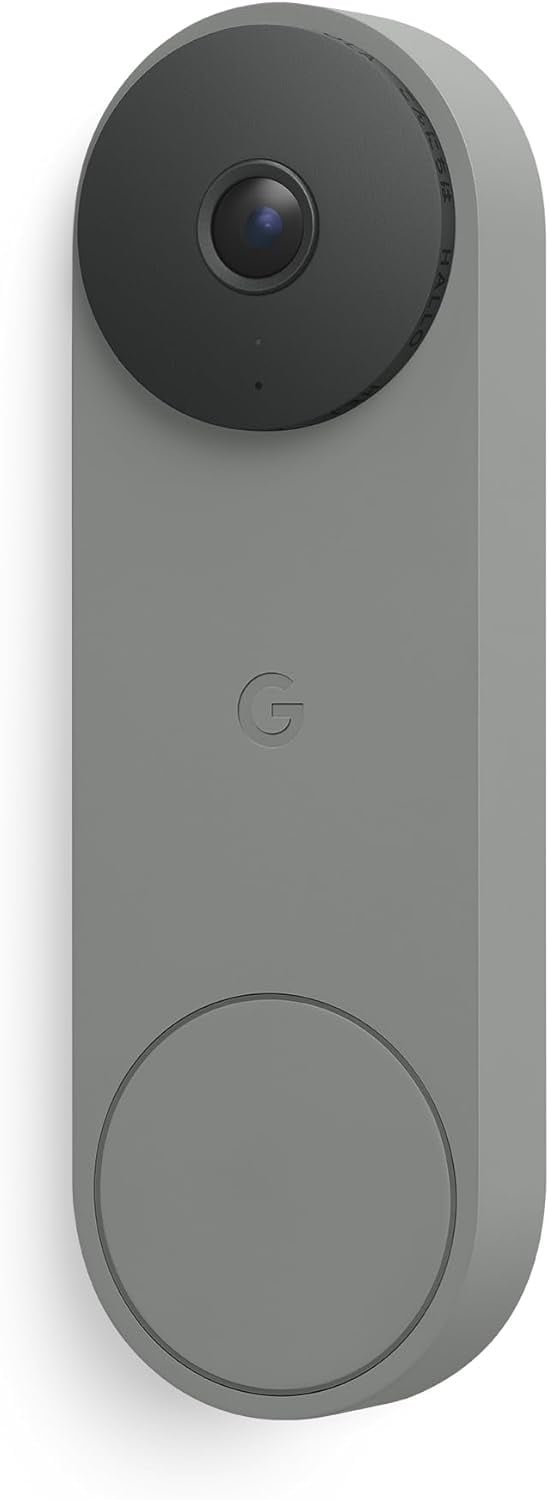
Google Nest Doorbell (Wired, 3rd Gen)
Check Price on Amazon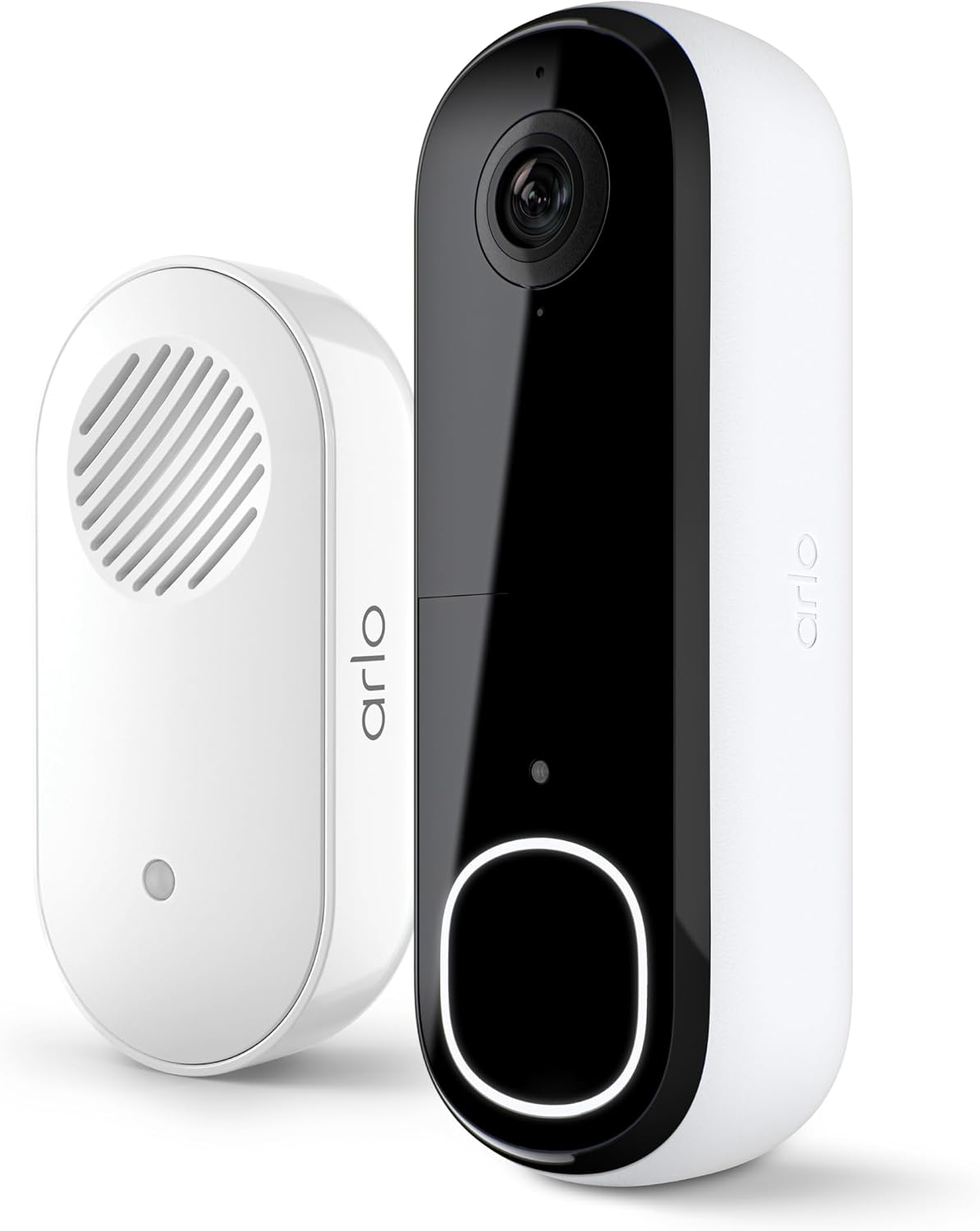
Arlo Video Doorbell 2K
Check Price on Amazon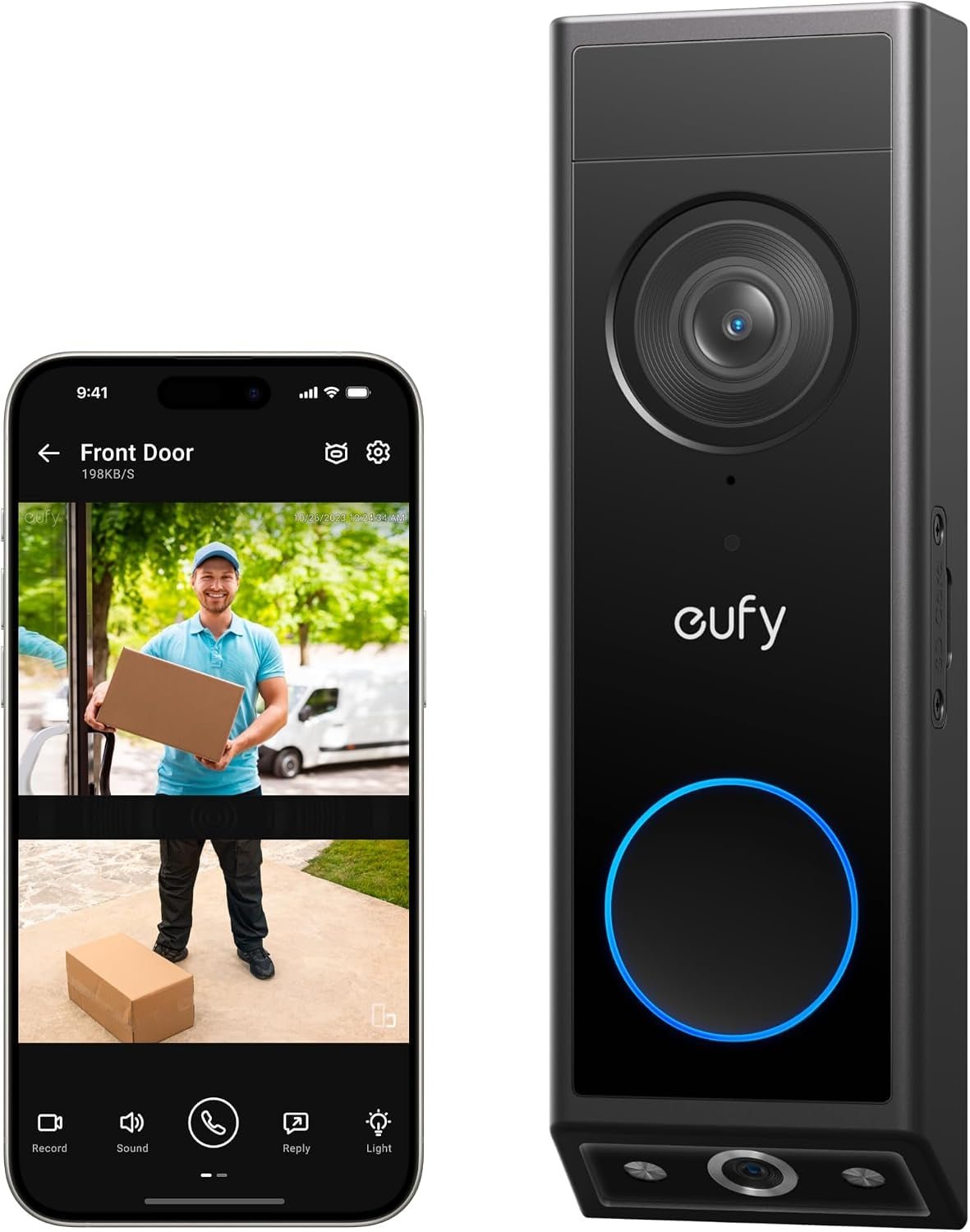
eufy Video Doorbell E340
Check Price on Amazon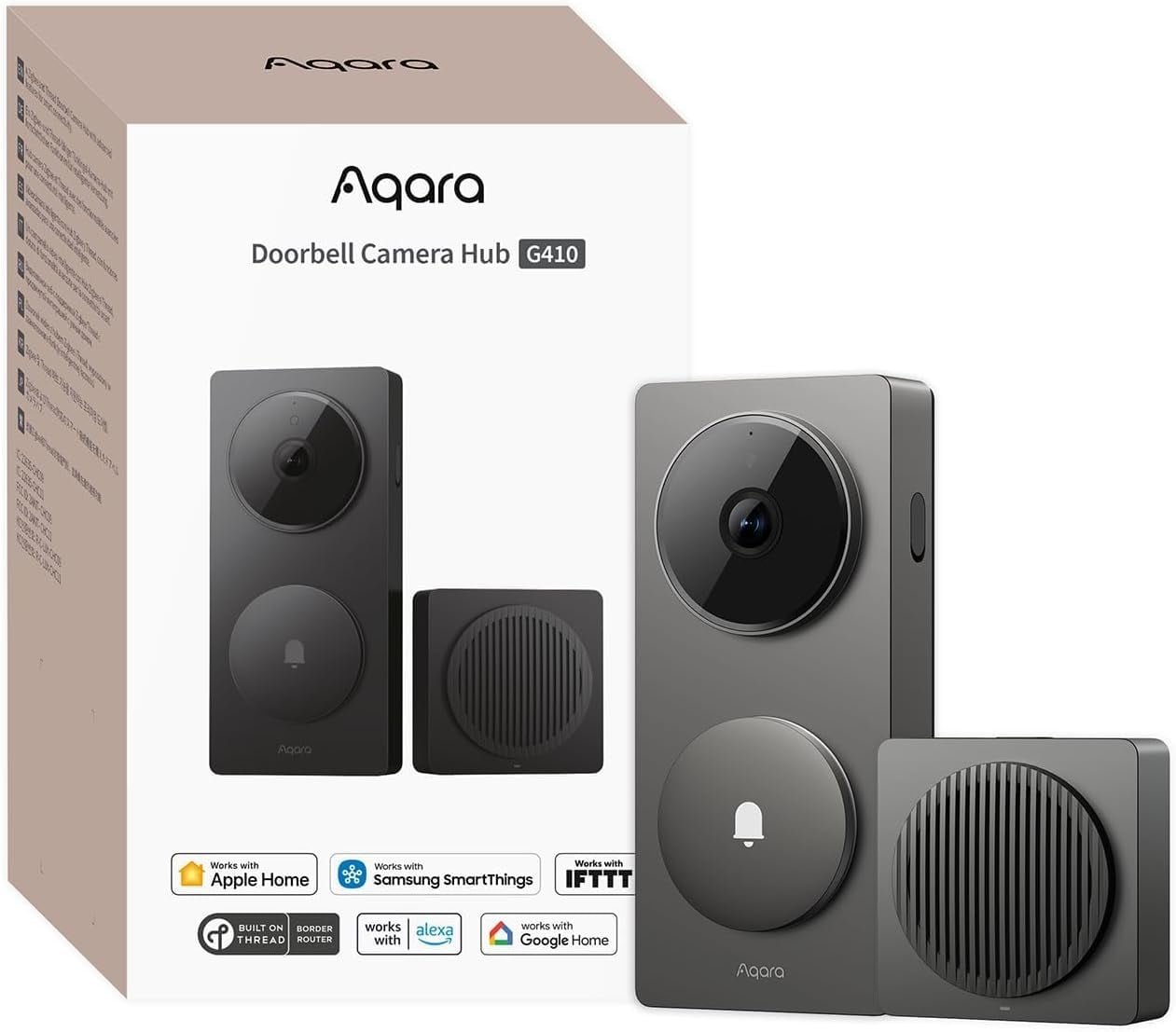
Aqara Doorbell Camera Hub G410
Check Price on Amazon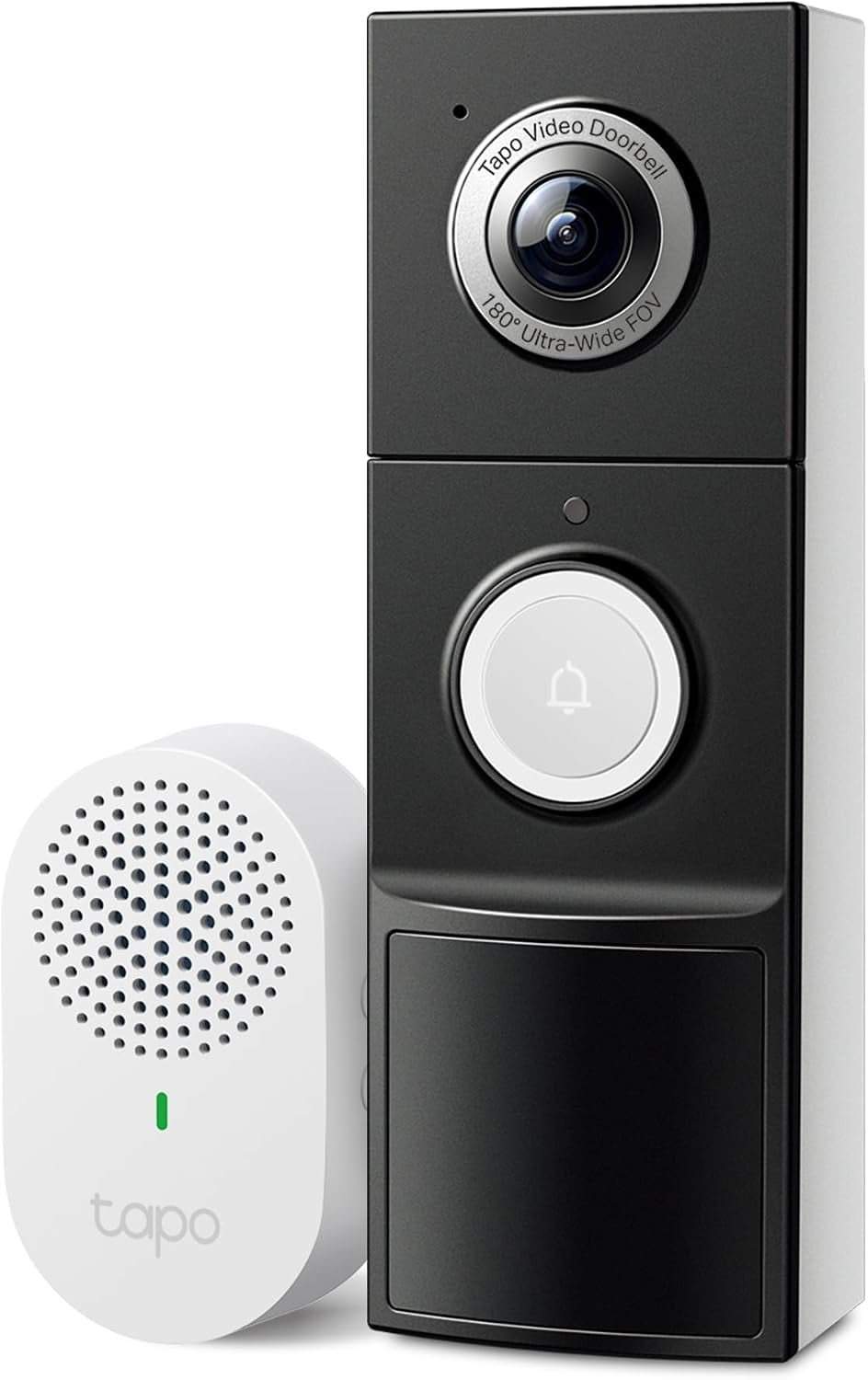
TP-Link Tapo D225
Check Price on Amazon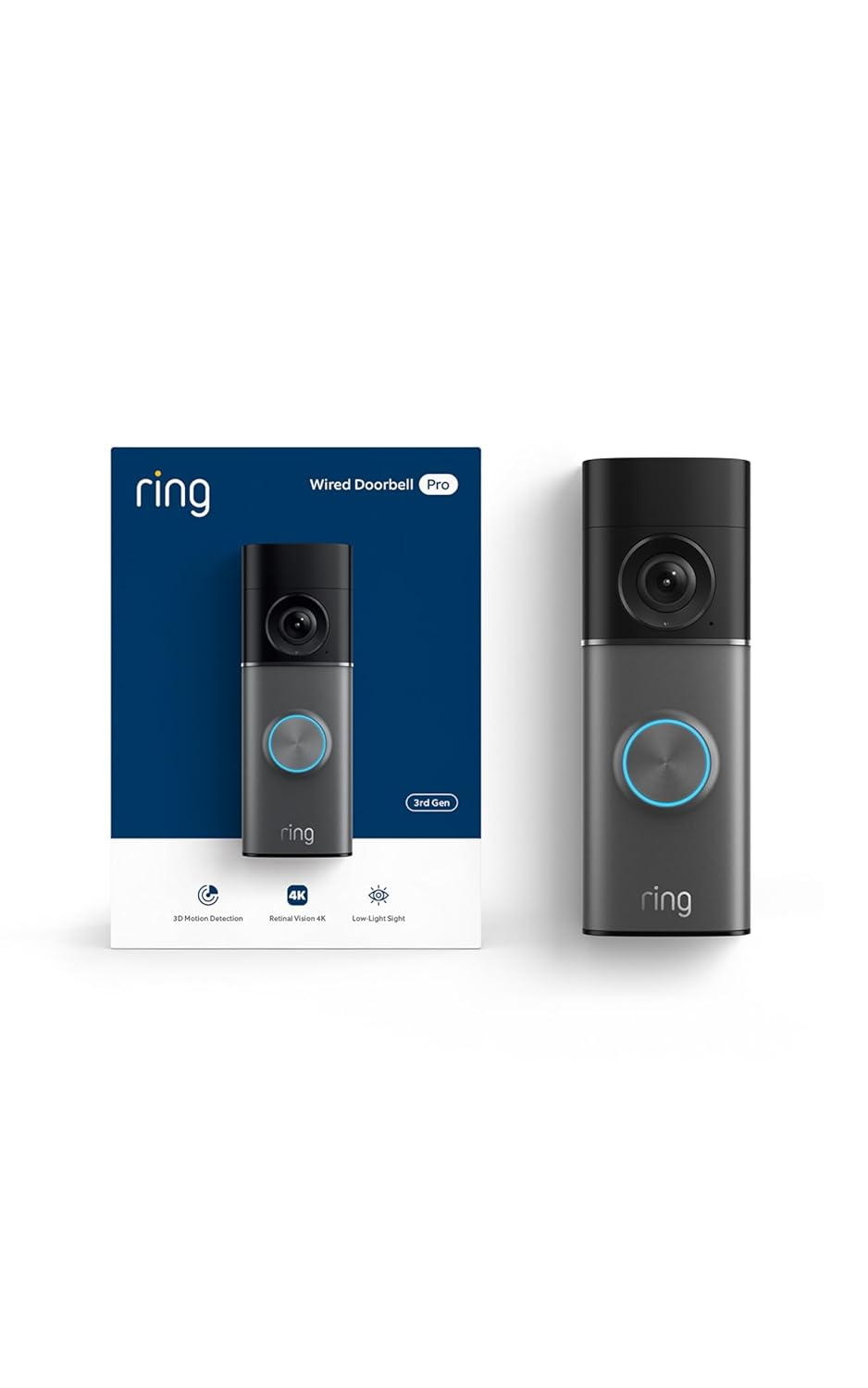
Ring Wired Doorbell
Check Price on Amazon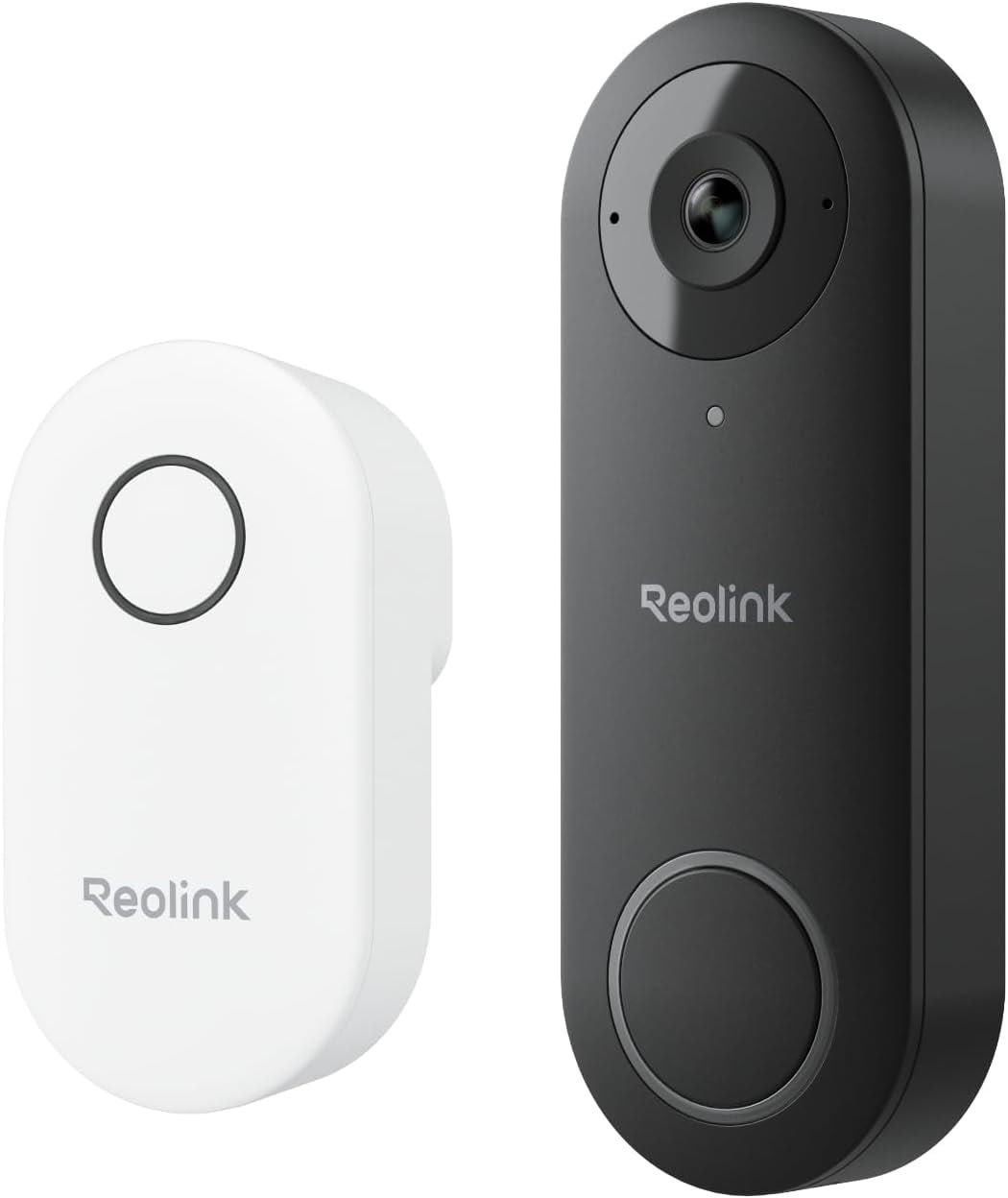
Reolink Video Doorbell
Check Price on AmazonAt a Glance: Which Video Doorbell Should You Buy?
Choose Nest if you want a polished wired Google Home experience; Arlo when battery flexibility is the priority; eufy when avoiding mandatory recording subscriptions matters; Aqara for Apple Home and Matter-heavy homes; Tapo for value; Ring for established Alexa/Ring households; and Reolink when local recording and camera-system control are priorities.
Wired vs. Battery Video Doorbells
Wired doorbells remove routine charging and are usually the better fit when compatible wiring already exists. Battery models make installation easier when wiring is absent or awkward, but battery life changes with traffic, weather, detection settings and recording frequency. A model that can operate either way gives you room to change the installation later.
Subscriptions vs. Local Storage
Do not compare doorbells on purchase price alone. Look at what happens after the first month: how much event history is included, whether package or person detection requires a plan, whether local storage is available, and whether recordings remain accessible if you stop paying. The cheapest doorbell can become the expensive option when its useful features depend on a recurring subscription.
1. Google Nest Doorbell (Wired, 3rd Gen) — Best Overall
Google’s current wired model is a strong all-around choice for a Google Home household. Its square 2K sensor, 166-degree diagonal field of view, HDR and 24/7 live view are built around seeing both people and what is happening at the doorstep rather than producing a narrow landscape crop.
The wired design is the key tradeoff. It avoids battery charging, but your existing doorbell wiring and transformer need to be compatible. Also look beyond the hardware price: Google includes limited event previews, while longer history and premium intelligence depend on the service tier you choose.
The All Guy take: if I already had usable doorbell wiring and lived in Google Home, I would rather install the wired model once than add another battery to my household charging list.
2. Arlo Video Doorbell 2K — Best Battery-Powered
Arlo’s 2K second-generation doorbell combines up-to-2K video with a very wide 180-degree field of view. The integrated rechargeable battery makes it useful when running new wiring is inconvenient, while AC hardwiring is also supported for continuous battery charging.
That flexibility makes Arlo appealing for a retrofit. The practical question is whether you value installation freedom enough to accept battery maintenance. As with any cloud-oriented camera, check the current subscription features before deciding what the long-term cost looks like.
The All Guy take: this is the kind of doorbell I would choose when the front entry makes wiring the project rather than the camera. A great doorbell you can install this weekend beats a theoretically better one sitting in a box.
3. eufy Video Doorbell E340 — Best Subscription-Free
The E340 is interesting because two cameras divide the work: the forward camera watches visitors while a downward-facing camera helps cover packages and the floor immediately in front of the door. It records in 2K, supports color night vision, can run from its removable rechargeable battery or wiring, and includes 8 GB of on-device storage.
Eufy says the E340 can provide recording playback without mandatory subscription fees. It works with Alexa and Google Assistant but not Apple HomeKit, and it uses 2.4 GHz Wi-Fi. Those ecosystem details matter more than another line on a spec sheet.
The All Guy take: local storage is not just about saving a monthly fee. It gives buyers another way to decide where their footage lives. If subscriptions irritate you, this is one of the first models I would compare.
4. Aqara Doorbell Camera Hub G410 — Best for Apple Home
Aqara’s G410 stands out because the indoor chime is also a smart-home hub. The doorbell provides 2K video with a 175-degree field of view, HomeKit Secure Video support, local microSD storage up to 512 GB, and wired or replaceable-battery installation.
It also acts as a Matter controller and Thread border router while supporting Aqara Zigbee devices. That makes the G410 unusually useful in a broader smart-home build, especially for Apple Home or mixed Matter environments. Note that HomeKit Secure Video operates at a lower maximum resolution than the doorbell’s native 2K.
The All Guy take: this is the nerdier pick in the group, and I mean that as a compliment. If the doorbell can replace another hub and strengthen the rest of the smart home, the value goes beyond watching the porch.
5. TP-Link Tapo D225 — Best Value
The Tapo D225 belongs on the shortlist for buyers who want a capable front-door camera without automatically jumping into the most expensive ecosystem. It is particularly attractive if you already use Tapo plugs, cameras or other TP-Link smart-home gear.
Before buying, compare its current storage, detection and power options with the way you actually intend to use it. A lower purchase price stops being a bargain if the installation or recording setup does not match your home.
The All Guy take: value is not the cheapest sticker price. It is getting the alerts, recording and everyday usability you need without paying for features you will never turn on.
6. Ring Wired Doorbell — Best for Alexa/Ring Homes
Ring remains a logical choice when the rest of the home already revolves around Ring cameras and Alexa. Keeping cameras, notifications and front-door interactions in one familiar ecosystem can matter more in daily use than chasing one isolated specification.
This wired model is best approached as an ecosystem purchase. Check your existing wiring and review Ring’s current subscription tiers so you know which recording and detection features are included versus paid.
The All Guy take: I would not switch ecosystems just to own a Ring doorbell, but if the house already has Ring cameras or Alexa displays, staying in one system can make the whole setup easier for everyone to use.
7. Reolink Video Doorbell — Best for Local Recording
Reolink is aimed at the buyer who cares about local recording and more control over the security-camera system. It is especially worth considering if you already use Reolink cameras or want the doorbell to fit into a larger locally managed surveillance setup.
The tradeoff is that the most flexible local-camera setups can require more thought than a cloud-first plug-and-play doorbell. Decide where recordings will live and how you want remote access to work before choosing the model and storage approach.
The All Guy take: if you are the person who asks 'where is my footage stored?' before asking about animated notifications, Reolink is the doorbell I would investigate first.
How to Choose a Video Doorbell
Start with power. If compatible wiring is already at the door, a wired model removes battery maintenance. Next choose the ecosystem used by the people in the house, not just the person installing it. Then compare field of view, package visibility, local versus cloud recording, ongoing fees, night performance and how quickly live video opens. Finally, check whether the physical doorframe gives the camera the angle it needs.
Where This Fits in Your Smart Home
A doorbell is only one layer. Use the Smart Home Start Here hub to connect this decision with smart locks, outdoor cameras, networking, lighting, thermostats and other guides as the cluster grows. For a broader starter shopping list, see Best Smart Home Devices for Beginners in 2026.
Bottom Line
There is no single video doorbell that is best for every front door. The right choice depends on wiring, ecosystem, storage preferences and whether you are comfortable paying for cloud features. Pick the model that fits those constraints first; resolution and feature-count come second.
This post may contain affiliate links. We may earn a commission when you purchase through links on this site at no additional cost to you.


