
This article contains affiliate links. We may earn a commission from qualifying purchases.
As an Amazon Associate I earn from qualifying purchases.
Smart locks are one of the few smart-home upgrades that can change how you use your house every single day. You can unlock the door without digging for keys, give someone a temporary code, check whether the door is locked and connect entry access to the rest of your smart home. The catch is that smart locks are not interchangeable. The right choice depends on the door hardware you have, how you want to unlock it, which ecosystem your household already uses and how much technology you want sitting between you and the deadbolt.
This guide compares seven smart locks using the product links supplied for this article and focuses on practical buyer fit rather than pretending there is one perfect lock for everyone. We do not claim hands-on testing unless an article specifically says so. As an Amazon Associate, The All Guy earns from qualifying purchases.
If you are building your smart home from scratch, start with our Best Smart Home Devices for Beginners in 2026 guide. If front-door cameras are next on your list, see Best Video Doorbells in 2026.
QUICK PICKS: BEST SMART LOCKS IN 2026
Seven smart locks for different access methods, door setups and smart-home ecosystems.
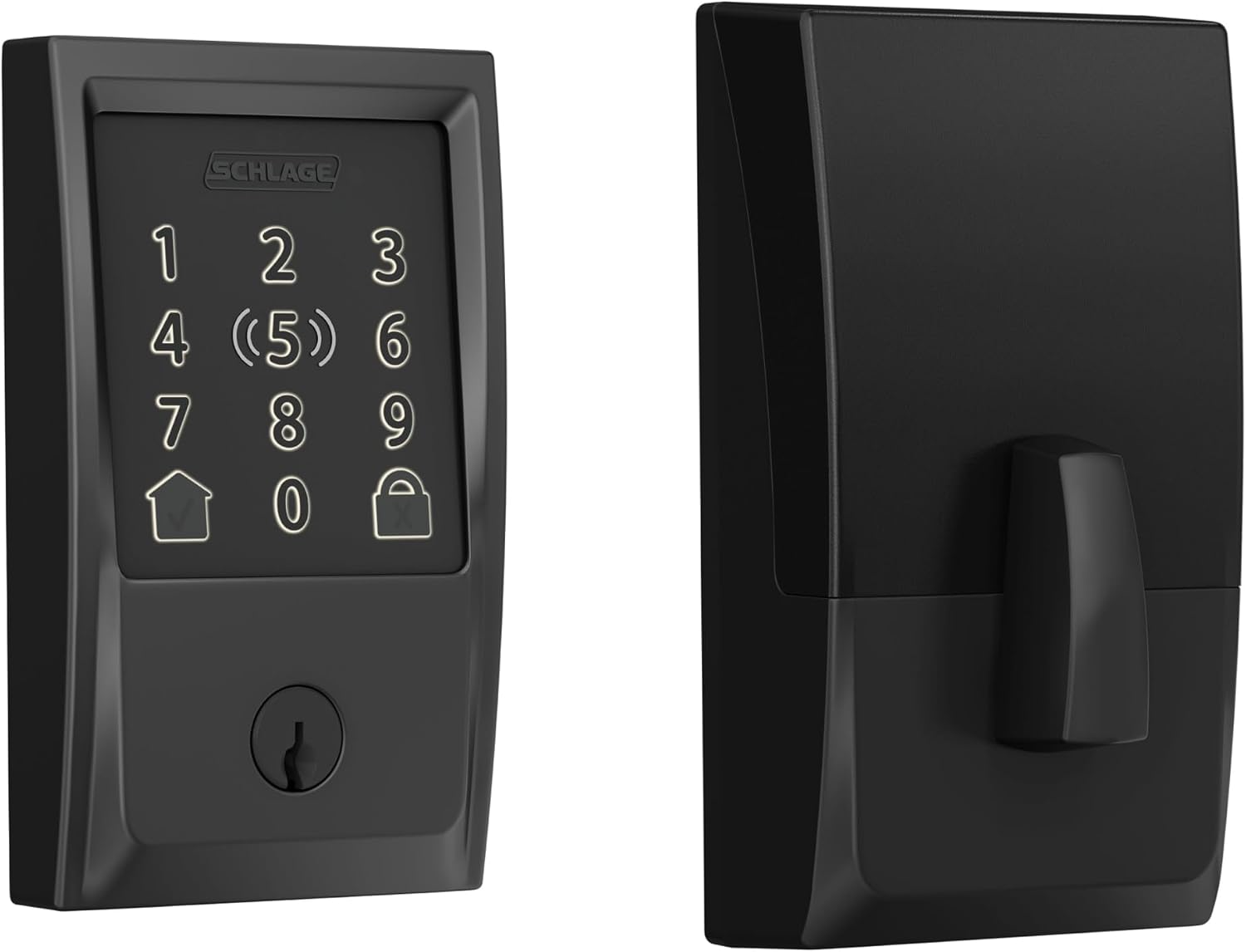
Schlage Encode Plus
Check Price on Amazon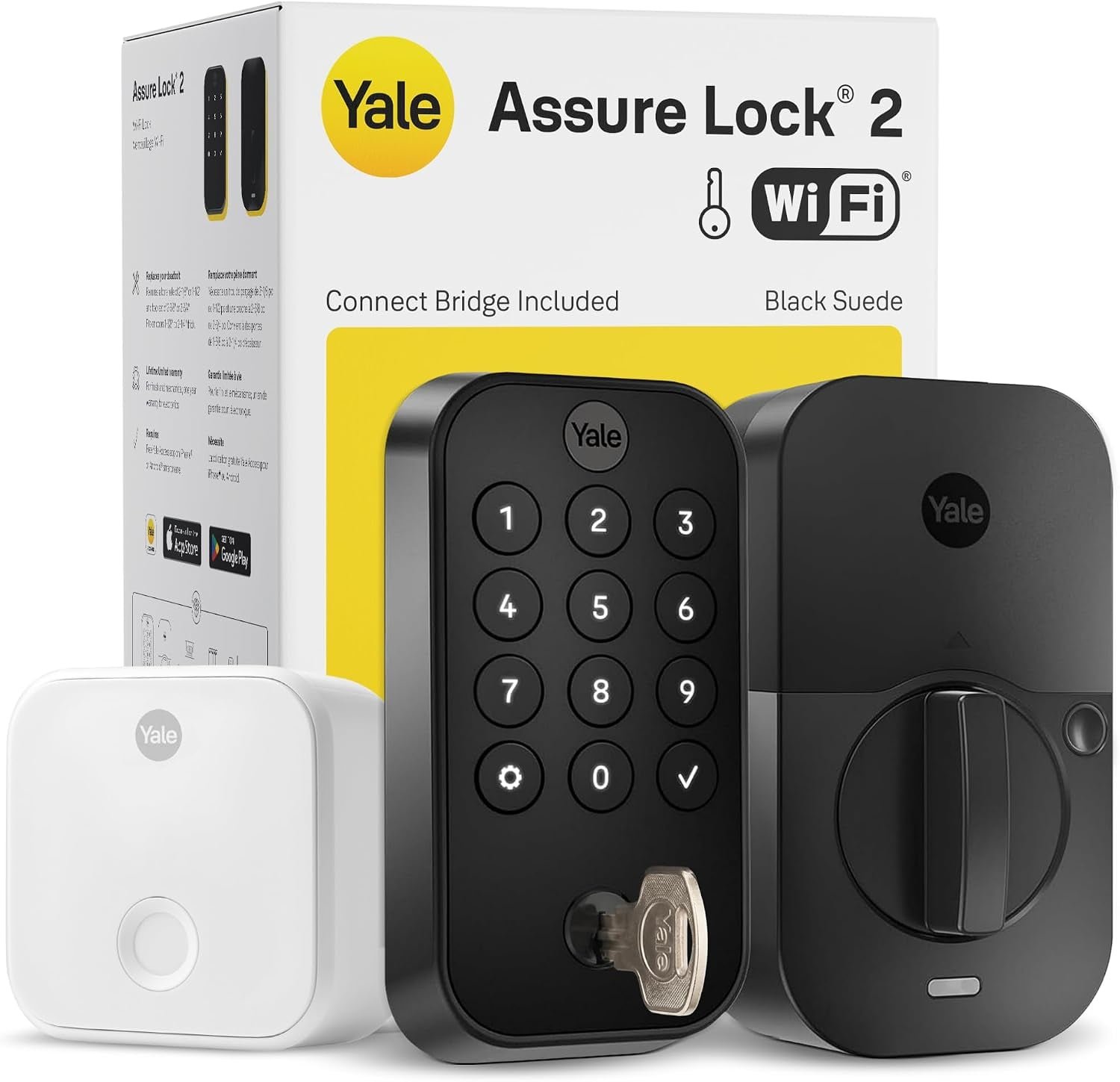
Yale Assure Lock 2
Check Price on Amazon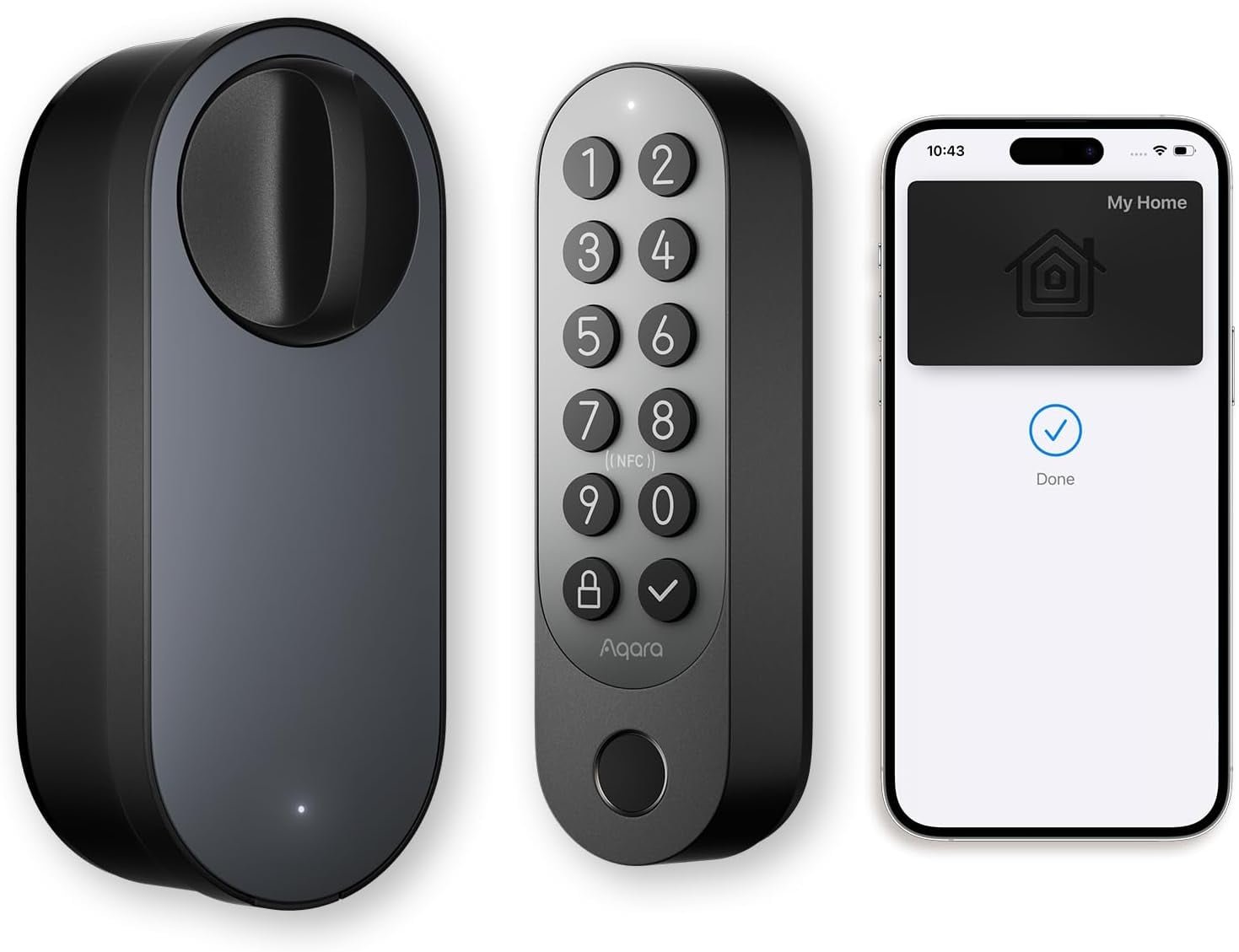
Aqara U200
Check Price on Amazon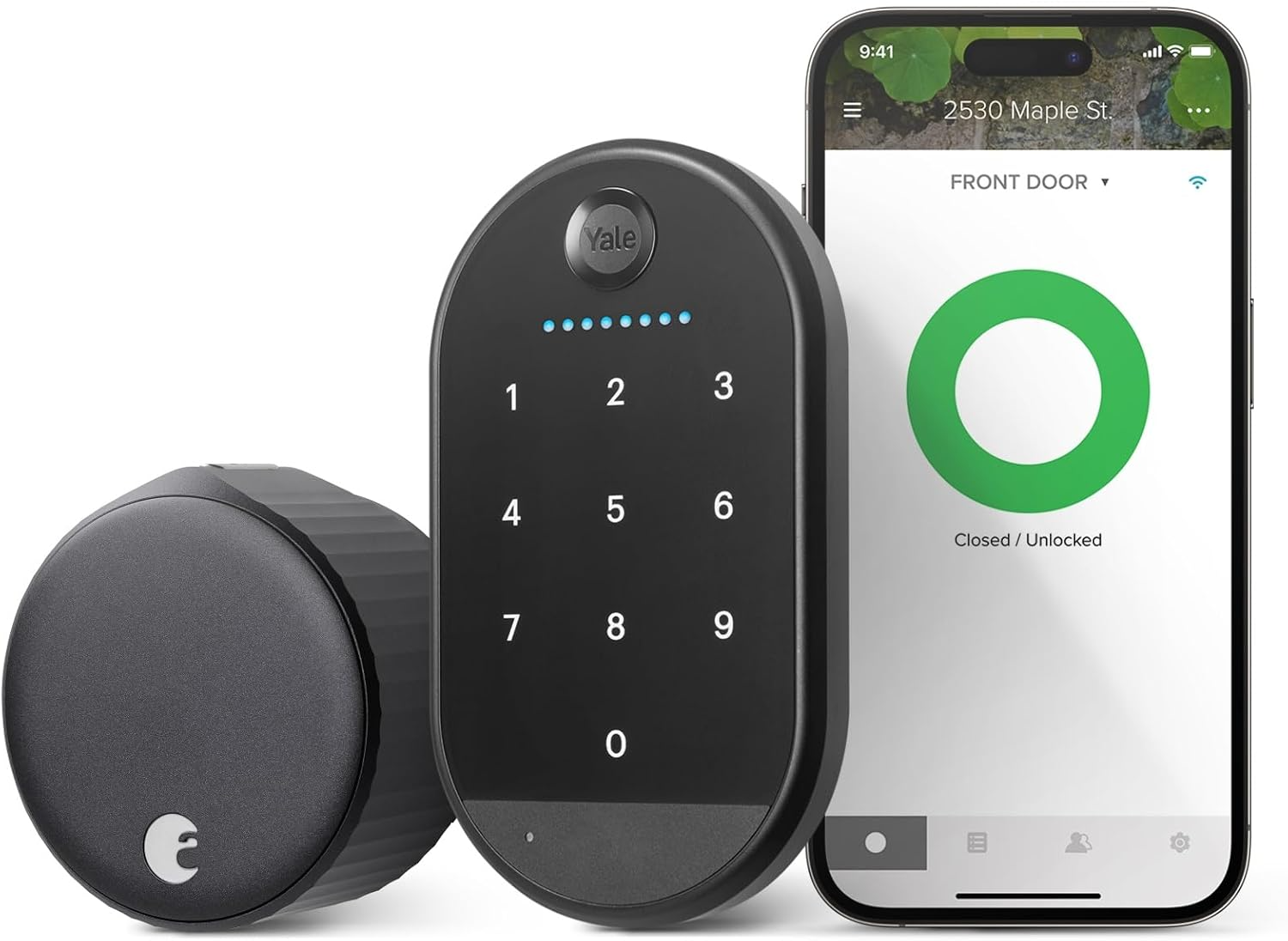
August Wi-Fi Smart Lock
Check Price on Amazon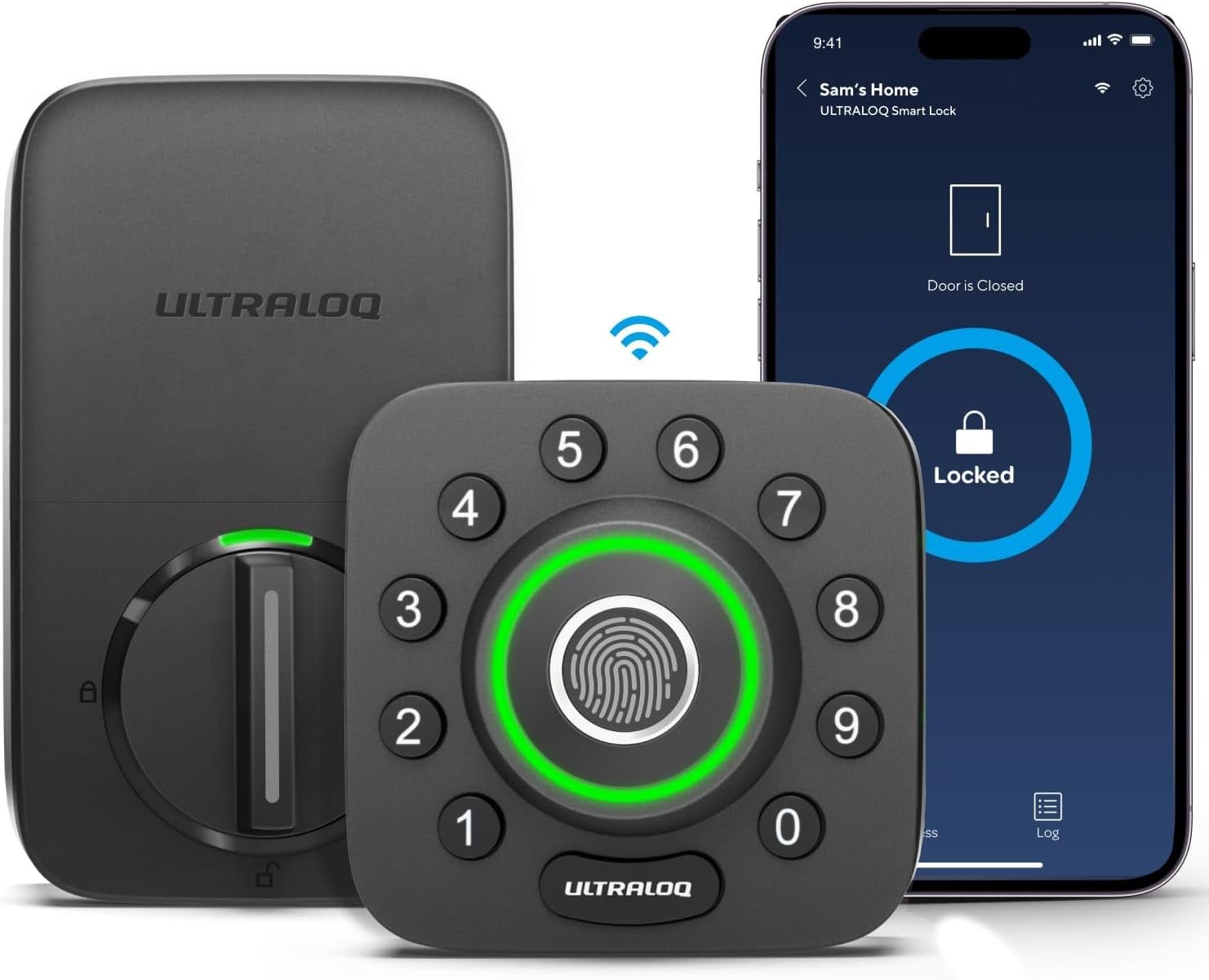
Ultraloq U-Bolt Pro
Check Price on Amazon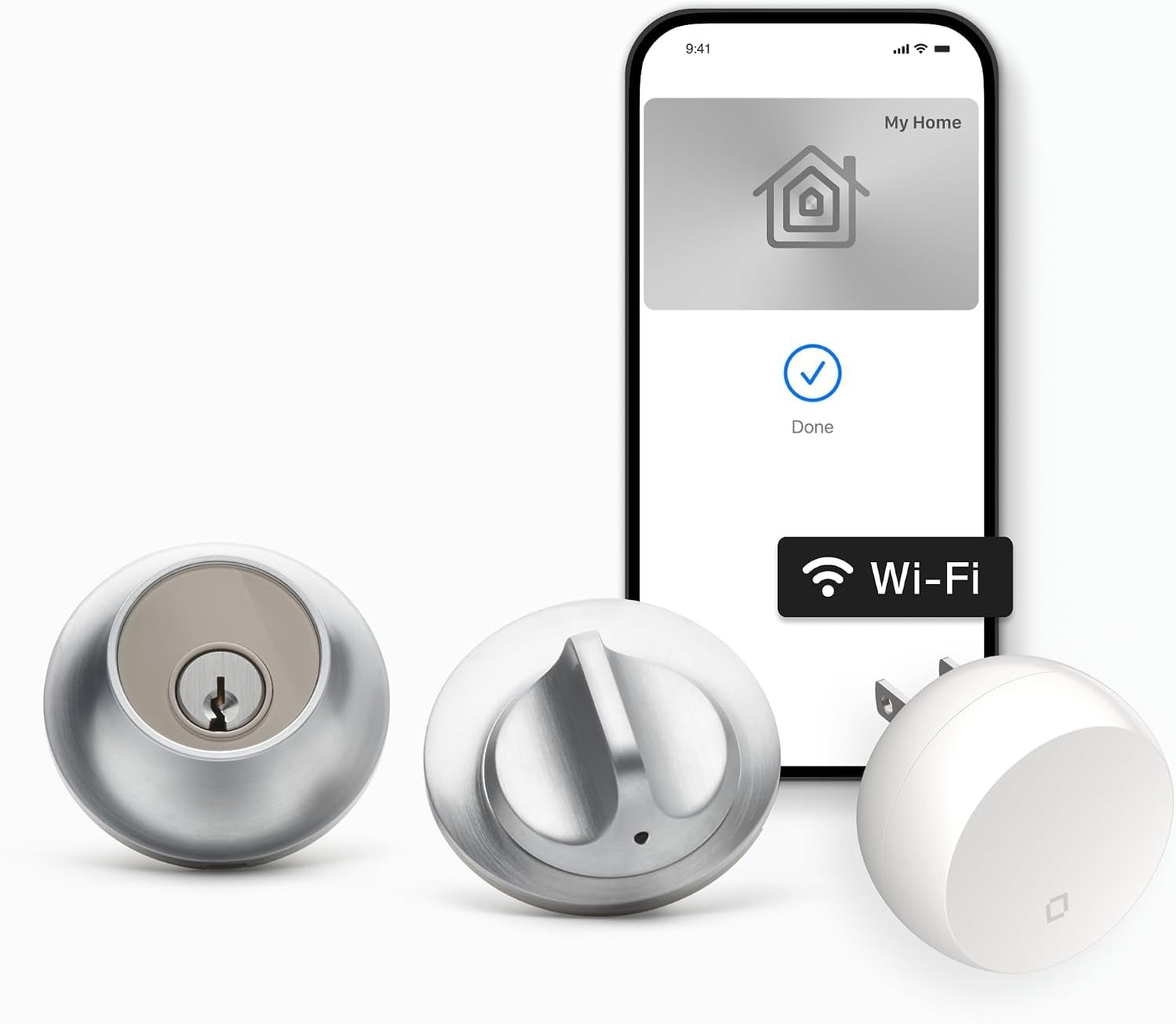
Level Lock+
Check Price on Amazon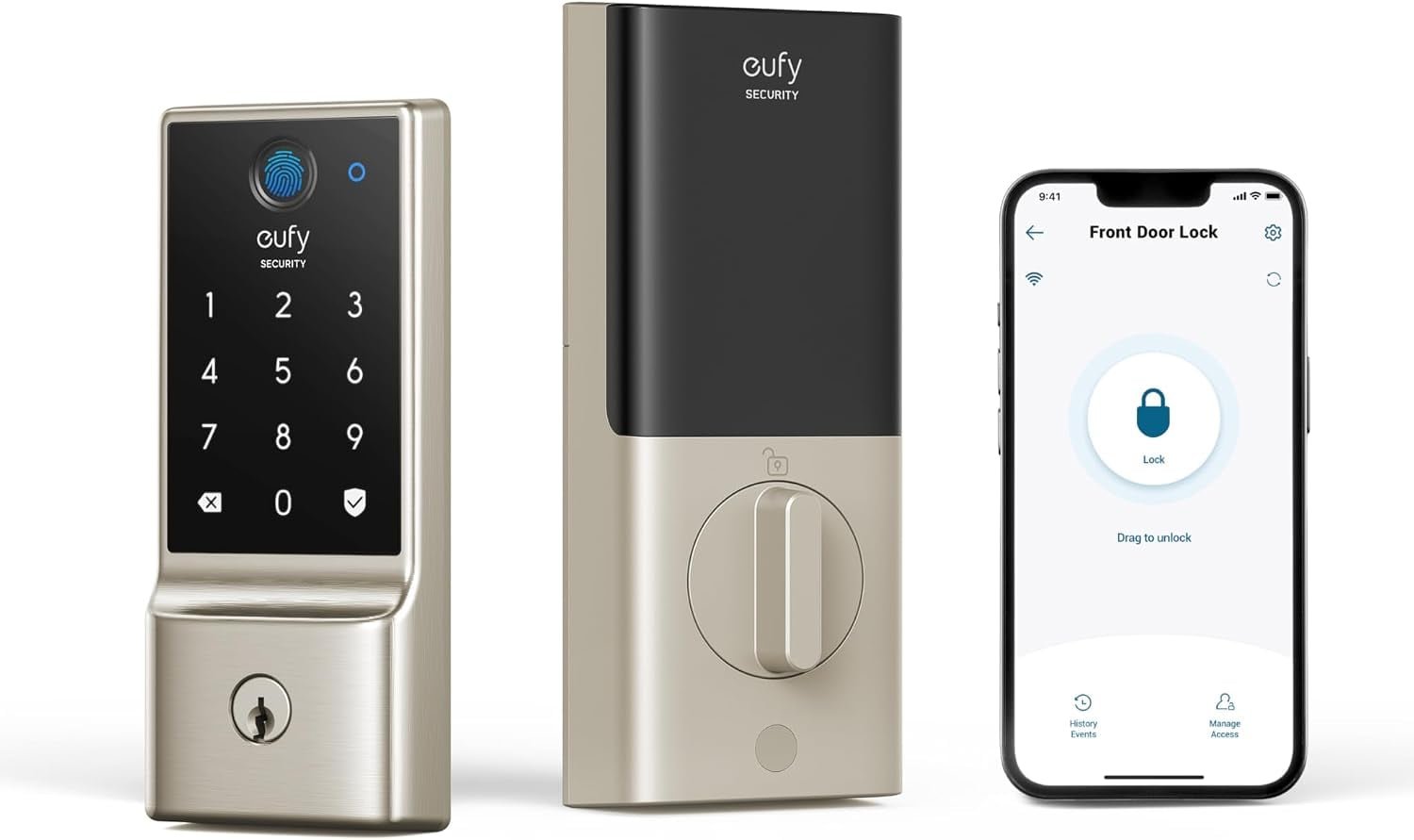
eufy Smart Lock C220
Check Price on AmazonAt a Glance: Which Smart Lock Fits Your Door?
Choose Schlage Encode Plus if you want a premium conventional deadbolt with smart-home features; Yale Assure Lock 2 if you want a flexible platform; Aqara U200 if fingerprint access and Matter are central to your plan; August when keeping your existing deadbolt matters; Ultraloq when you want several ways to unlock; Level when you want the hardware to stay visually subtle; and eufy C220 when you want fingerprint and keypad access without moving into a more elaborate setup.
Before You Buy a Smart Lock
Start with the door, not the app. Confirm the lock type, backset, door thickness and clearance around the interior hardware. Then decide whether you want a complete deadbolt replacement or a retrofit that works with your existing lock. A beautiful smart lock that does not fit your door is just an expensive paperweight.
Next, decide how you actually want to unlock it. Keypad codes are useful for families and guests. Fingerprint readers are fast when your hands are full. Phone-based access is convenient, but it should not be your only plan if a dead phone would leave you standing on the porch. Some households still want a physical key as a backup.
1. Schlage Encode Plus — Premium Smart Lock
The Schlage Encode Plus is aimed at buyers who want a familiar deadbolt format with serious smart-home capability layered on top. The keypad gives you a practical keyless entry method, while connected control lets the lock become part of a broader home-automation setup.
The big reason to put it on the shortlist is not simply that it is smart. It is that the lock still behaves like a conventional residential deadbolt. That matters when the people using the door range from tech enthusiasts to family members who just want the door to unlock when they enter the code.
The All Guy take: a front-door lock is not the place to buy technology just because it looks cool. Schlage makes sense when you want the smart features without making the basic act of locking the door weird.
2. Yale Assure Lock 2 — Flexible Platform
Yale Assure Lock 2 is a good fit for homeowners who want a smart lock platform that can be configured around how their home already works. The keypad-first design makes everyday entry simple, while Yale's broader Assure ecosystem gives you room to think about connectivity rather than treating the lock as an isolated gadget.
The key question is configuration. Yale sells Assure Lock 2 in multiple variants, so the exact connectivity and access features depend on the version you buy. Read the Amazon listing carefully before ordering rather than assuming every Assure Lock 2 has the same radio, app or smart-home compatibility.
The All Guy take: Yale is a reminder that 'the model name' is not always enough. Smart locks can have several configurations, and the module inside the box matters.
3. Aqara U200 — Matter and Fingerprint Access
Aqara U200 is the option for buyers who want access methods beyond a traditional key or phone. Its fingerprint and keypad approach makes the lock useful for family members, guests and anyone who does not want to pull out a phone every time they arrive home.
Aqara is also deeply involved in the Matter smart-home ecosystem, so the U200 makes the most sense when you are thinking beyond the lock itself. The exact experience depends on the Aqara setup, compatible smart-home platform and configuration you use.
The All Guy take: fingerprint entry is one of those features that sounds like a gimmick until you are carrying groceries. Then you start wondering why every door does not have it.
4. August Wi-Fi Smart Lock — Best Retrofit Approach
August takes a different approach from most full deadbolt replacements. The appeal is the ability to add smart functionality while retaining more of the existing door hardware. That can make the installation less disruptive and can be attractive when you like the lock and key arrangement you already have.
Retrofit designs are especially useful when the outside appearance of the door matters. Instead of replacing the exterior hardware with a large new keypad, the smart mechanism works primarily from the inside. The tradeoff is that compatibility becomes extremely important, so measure and check the supported deadbolt before buying.
The All Guy take: if you look at your current deadbolt and think 'I actually like this thing,' August is the approach to investigate. Smart does not always have to mean replacing everything.
5. Ultraloq U-Bolt Pro — Multiple Ways to Get In
Ultraloq's U-Bolt Pro line is built around choice. Instead of forcing everyone in the house to use the same entry method, the platform can combine keypad access, fingerprint recognition, smartphone control and a physical key depending on the configuration.
That flexibility can be genuinely useful in a busy household. A family member can use a fingerprint, a guest can receive a code and someone who prefers traditional keys still has a fallback. The downside is that more features mean more setup decisions, so take a few minutes to decide which methods you will actually use.
The All Guy take: I like options on a smart lock, but I do not want seven different ways to unlock the door just because the manufacturer could add them. Pick the two or three that make your life easier and ignore the rest.
6. Level Lock+ — Low-Profile Smart Lock Design
Level's approach is aimed at people who do not want their front door to announce that it is a smart door. The hardware is designed around a conventional lock form factor, making it an interesting alternative to the keypad-heavy appearance of many connected deadbolts.
This is a design-driven choice as much as a technology choice. Before buying, verify the exact Level model and included connectivity in the supplied Amazon listing, because Level has multiple products and configurations. The product you receive needs to match the access methods and smart-home features you expect.
The All Guy take: there is something satisfying about adding smart-home capability without turning the front door into a piece of sci-fi equipment. If subtle hardware matters, Level deserves a look.
7. eufy Smart Lock C220 — Fingerprint and Keypad Access
The eufy C220 is built around the idea that the front door should be easy for everyone in the household to use. Fingerprint access is convenient for daily entry, while keypad and traditional access methods give you alternatives when a fingerprint or phone is not practical.
It also fits naturally into a home that already uses eufy security products. As with any smart lock, check the exact product configuration, door compatibility and the smart-home features included with the specific listing before ordering.
The All Guy take: a smart lock earns its keep when nobody has to think about using it. Fingerprint access is especially appealing when the front door is a high-traffic part of the house.
Keypad vs. Fingerprint vs. Phone Access
Keypads are usually the easiest shared-access method. You can create codes without handing out physical keys, and changing a code is simpler than recovering a key. Fingerprint readers are faster for daily personal use but require enrollment and can be less predictable with wet, dirty or damaged fingertips. Phone access is convenient and integrates well with automation, but it depends on your phone, battery and connectivity.
Wi-Fi, Bluetooth, Thread and Matter: What Actually Matters?
Do not buy a smart lock because a box lists every wireless standard imaginable. First decide what you need the lock to do. Wi-Fi can make remote access straightforward but may increase power demands. Bluetooth is useful for nearby phone control. Thread can fit efficiently into a modern low-power smart-home network. Matter is valuable when cross-platform compatibility is a priority. The correct combination depends on the ecosystem you already use.
Smart Lock Security and the Backup Plan
A connected lock should make access more controlled, not more fragile. Use strong unique credentials, keep firmware and apps updated, remove old guest codes and review who still has access. Most importantly, know what happens when the battery dies, the phone is lost or the network goes down. A physical key, emergency power method or mechanical override can be the difference between a smart home and a very annoying evening.
How Smart Locks Fit With the Rest of the Smart Home
Smart locks become more useful when they connect logically with the rest of the house. A doorbell can show you who is outside. A lock can control access. Lighting can react when someone arrives. A thermostat can adjust after the house switches to an away state. The goal is not to automate every possible action. The goal is to remove repetitive little tasks without making the system difficult to understand.
Continue through our Smart Home Start Here hub for the growing cluster, and read Best Video Doorbells in 2026 if you want to build the front-door security layer around your new lock.
Bottom Line
The best smart lock is the one that fits your door, your household and the smart-home ecosystem you will actually use. Schlage and Yale make sense for conventional deadbolt replacements, Aqara and Ultraloq lean into flexible access methods, August is compelling when retrofit installation matters, Level emphasizes subtle hardware and eufy gives you another practical fingerprint-and-keypad option. Start with compatibility and access needs. The smart features come second.
This post may contain affiliate links. We may earn a commission when you purchase through links on this site at no additional cost to you.


