
This article contains affiliate links. We may earn a commission from qualifying purchases.
As an Amazon Associate I earn from qualifying purchases.
A good first smart home should solve ordinary problems: weak Wi-Fi, lights you forget to turn off, wasted heating and cooling, or a front door you want to check remotely. The mistake is buying a pile of disconnected gadgets before deciding how they will work together.
For 2026, Matter is increasingly useful as the compatibility layer between major ecosystems, while Thread gives many low-power devices a dedicated mesh network. Matter 1.6, released in June 2026, further improved setup and multi-ecosystem device management.
These recommendations are based on current specifications, compatibility, intended use and beginner fit. We do not claim hands-on testing unless a review specifically says so. As an Amazon Associate, The All Guy earns from qualifying purchases.
QUICK PICKS: BEST SMART HOME DEVICES FOR BEGINNERS IN 2026
Seven beginner-friendly picks for building a useful smart home in layers, from the network foundation to lighting, climate, access and control.
eero 7
Check Price on Amazon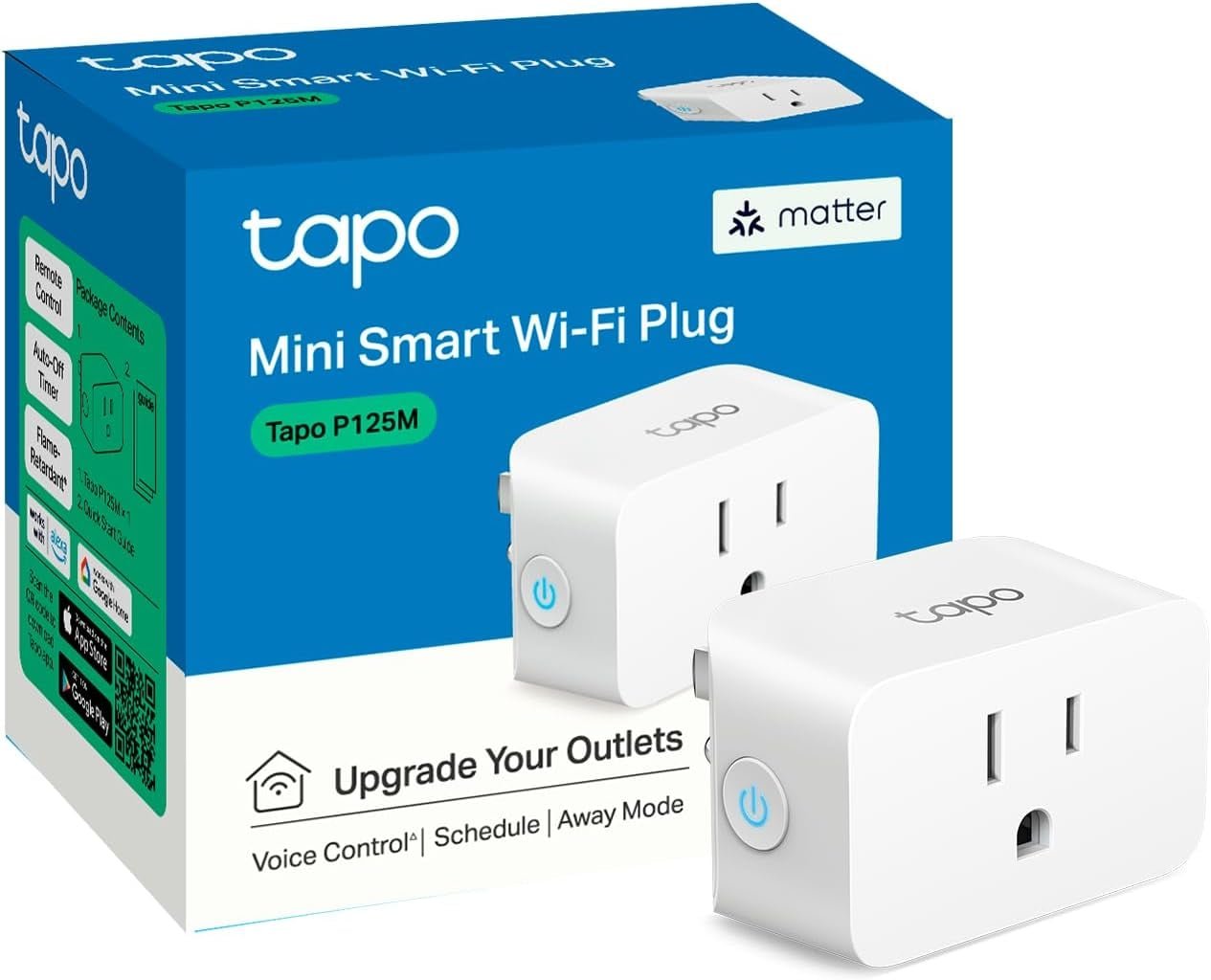
TP-Link Tapo P125M
Check Price on Amazon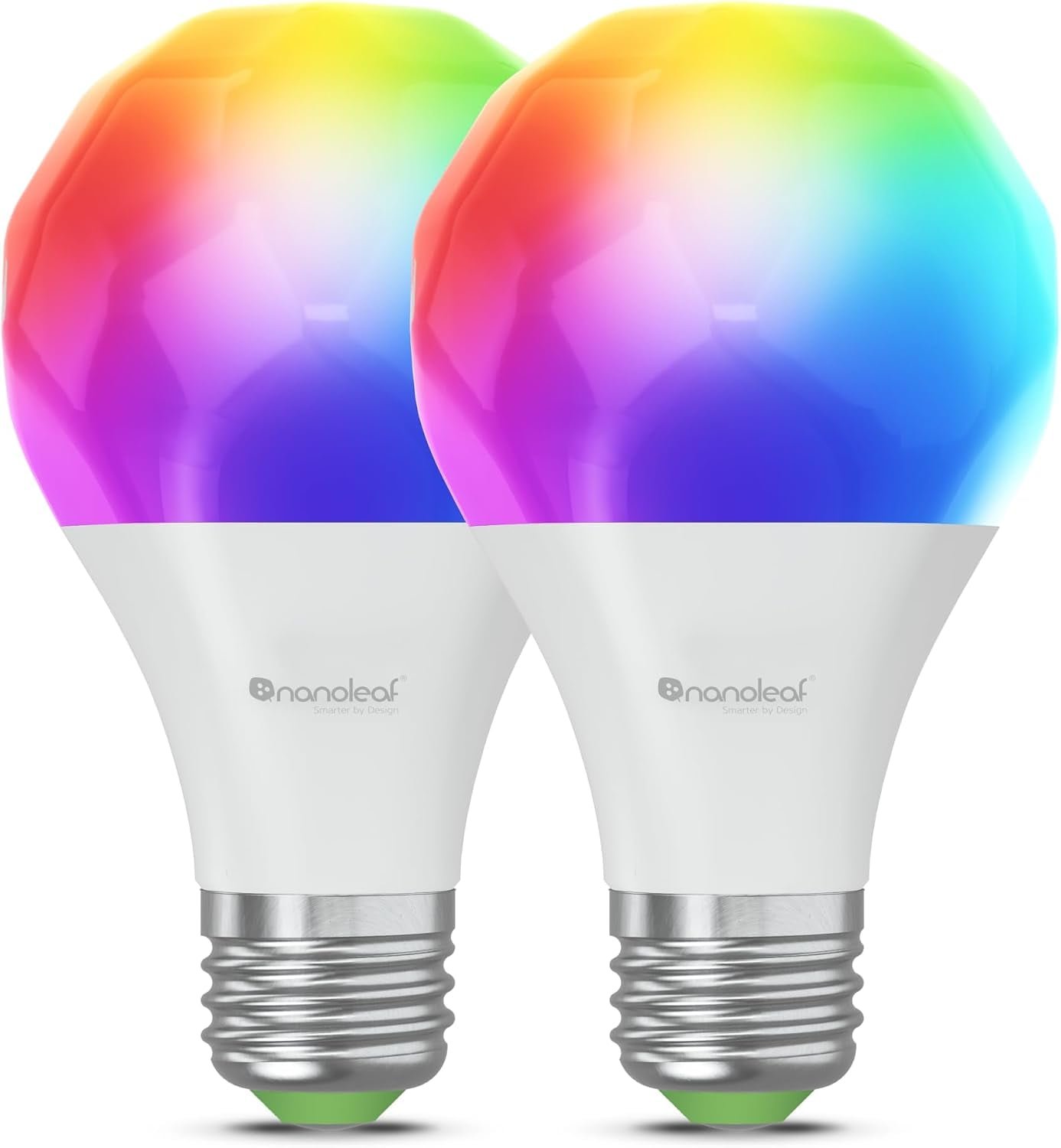
Nanoleaf Essentials Matter Smart Bulb
Check Price on Amazon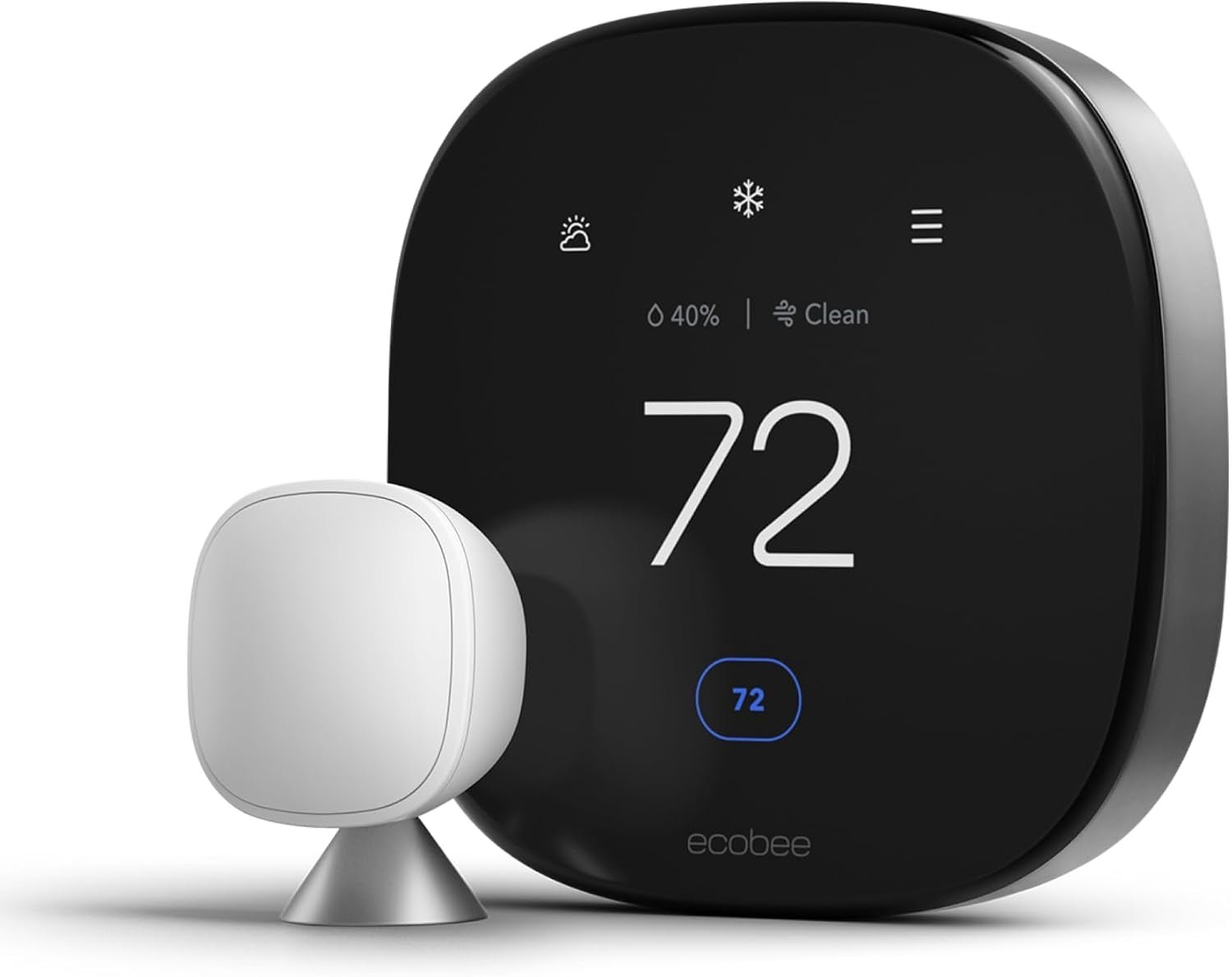
ecobee Smart Thermostat Premium
Check Price on Amazon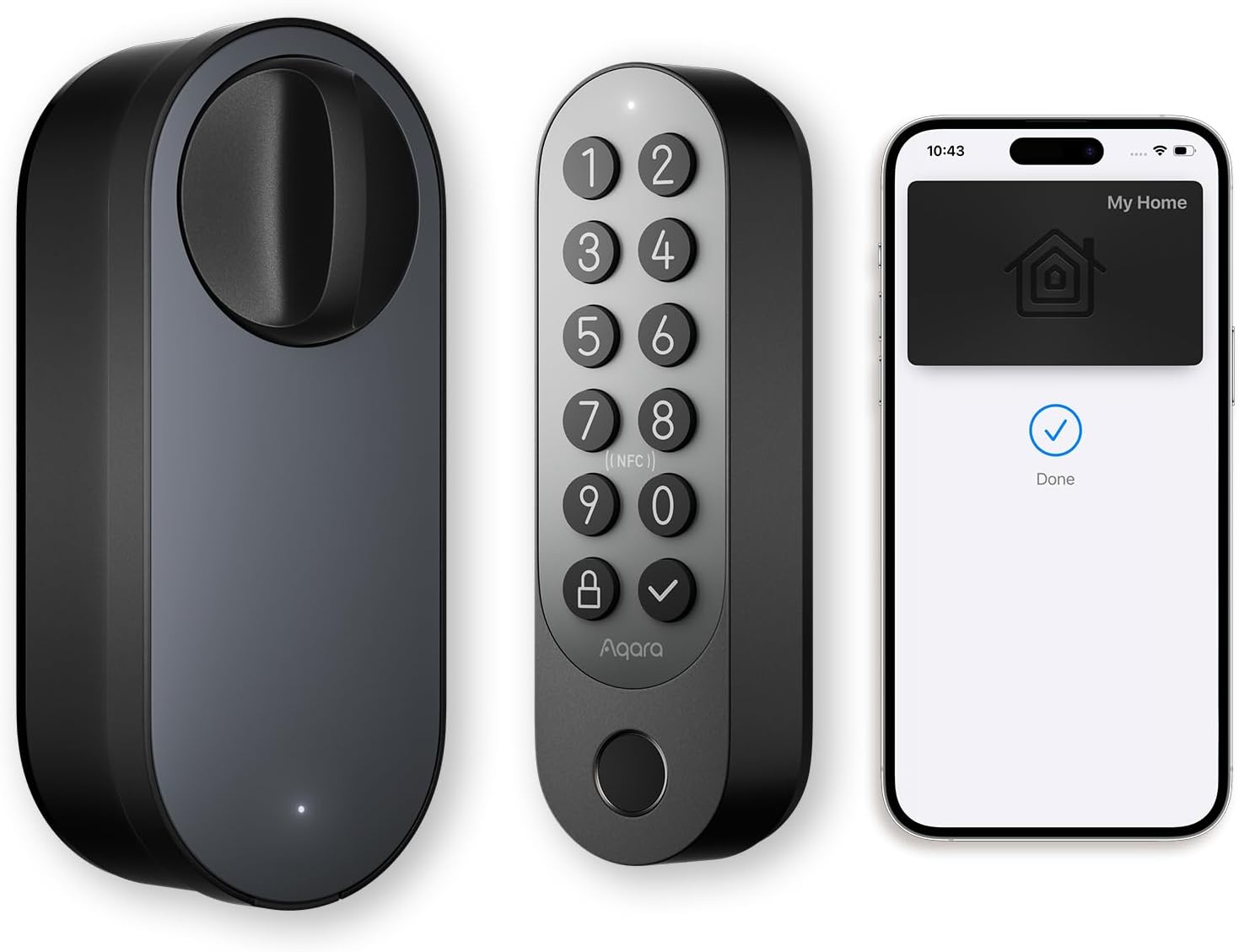
Aqara Smart Lock U200
Check Price on Amazon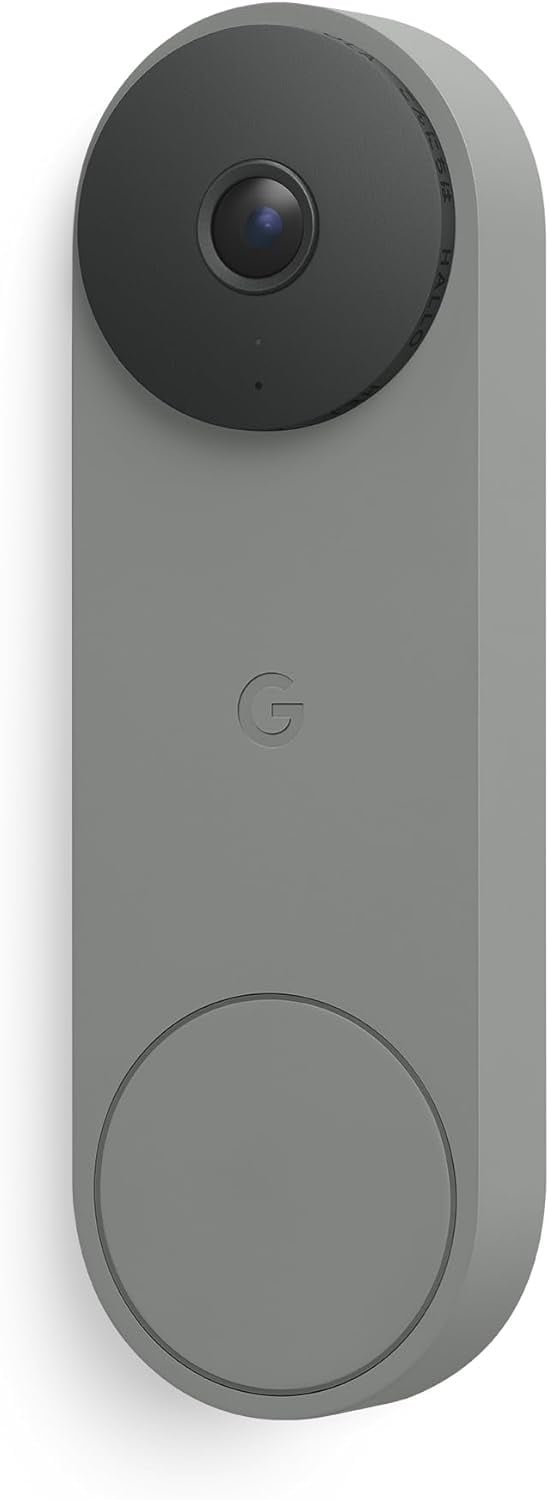
Google Nest Doorbell
Check Price on Amazon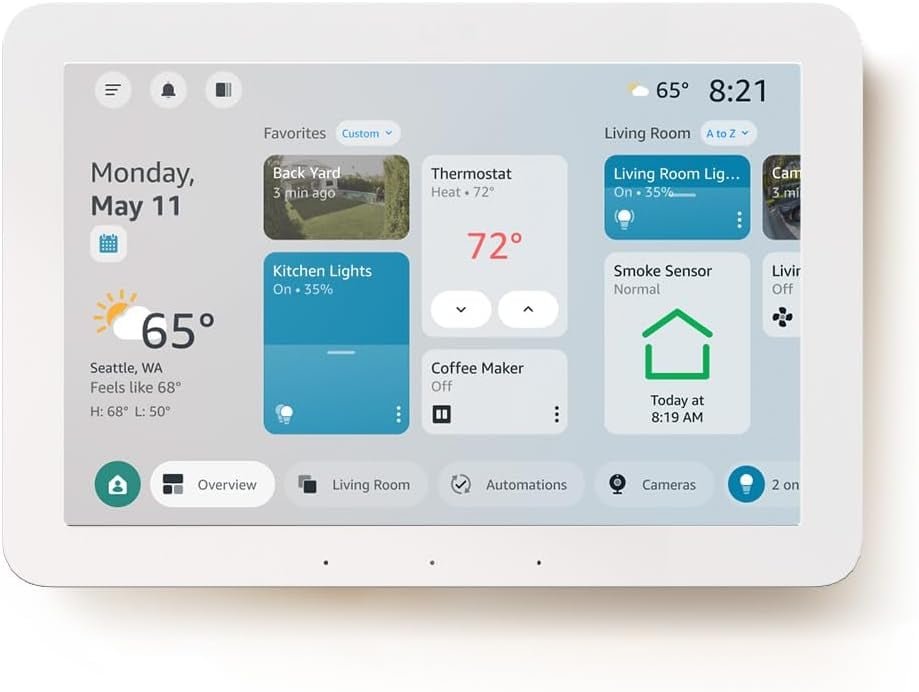
Amazon Echo Hub
Check Price on AmazonQuick Picks
Smart-home foundation: eero 7. First smart plug: TP-Link Tapo P125M. Smart lighting: Nanoleaf Essentials Matter bulb. Thermostat: ecobee Smart Thermostat Premium. Front-door access: Aqara Smart Lock U200. Video doorbell: Google Nest Doorbell. Dedicated control hub: Amazon Echo Hub.
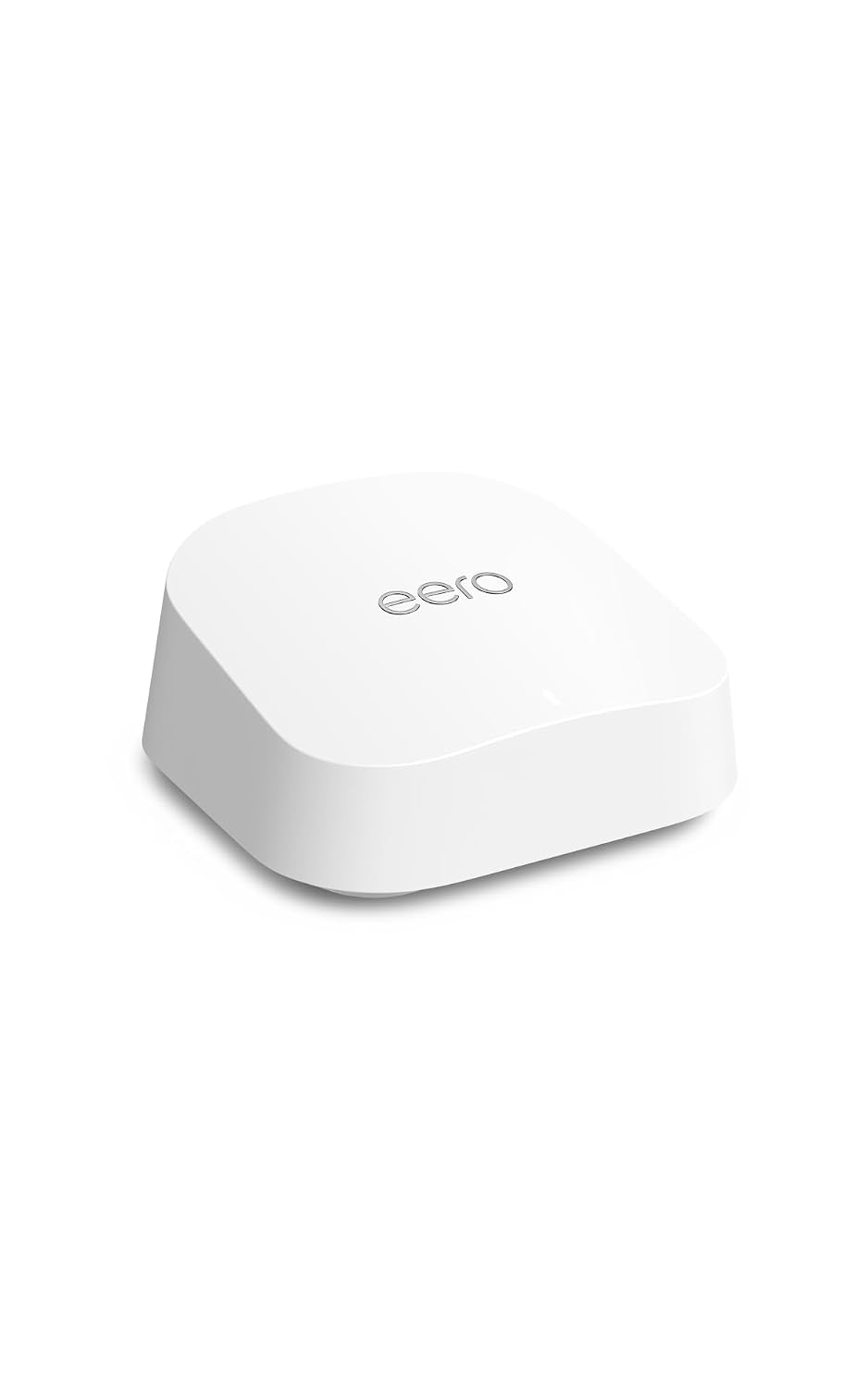
1. eero 7 — Best Smart-Home Foundation
eero 7 combines Wi-Fi 7 mesh networking with Matter, Thread, and Zigbee smart-home support.
Why it stands out: eero 7 is more than a faster router. Its Thread border-router support means compatible low-power locks, sensors and other Thread devices can reach the rest of your network without requiring another dedicated bridge. That makes it a useful foundation if you are building from scratch rather than adding smart-home gear to an already excellent network.
Who should buy it: someone who needs better whole-home Wi-Fi anyway and wants the networking purchase to do double duty as smart-home infrastructure. If your current router already covers the house reliably, keep it and spend the money on devices that solve a more immediate problem.
The All Guy take: boring infrastructure is underrated. A flashy lock or camera is not very smart when it falls offline in the corner of the house. I would rather put the money into dependable coverage first and build the fun stuff on top of it.
Start with the network. eero 7 combines Wi-Fi 7 mesh networking with smart-home infrastructure: Matter controller support, Thread border routing and a Zigbee smart-home hub. If your current Wi-Fi has dead zones or drops devices, fixing that first can prevent a lot of apparent smart-device problems.
2. TP-Link Tapo P125M — Best First Smart Plug
TP-Link Tapo P125M is a compact Matter-compatible smart plug for adding schedules and automation to everyday devices.
TP-Link keeps the P125M compact enough that it should not consume the neighboring outlet, and the Matter-certified model works across the major Matter ecosystems. The Tapo app also adds practical basics such as schedules, auto-off and Away Mode. Its 15-amp maximum load makes it useful for many common household devices, although you should always check the electrical requirements of whatever you connect.
Where it makes the most sense is with devices that behave normally when power is restored: lamps, fans and simple appliances. A smart plug cannot make a device useful remotely if that device still requires someone to press its own electronic power button after the outlet turns on.
The All Guy take: this is where I would tell almost anyone to start. It is cheap, low commitment and immediately teaches you whether smart-home automation is something you will actually use. Automating one lamp every evening is more useful than owning six complicated devices you never configure.
A smart plug is one of the easiest ways to learn automation because it turns an ordinary lamp, fan or other simple on/off device into something you can schedule. The Tapo P125M supports Matter, reducing dependence on one proprietary ecosystem. Start with one or two plugs and automate a real routine before buying a pile of them.
3. Nanoleaf Essentials Matter Bulb — Best Beginner Smart Lighting
Nanoleaf Essentials Matter Smart Bulb adds app-controlled lighting, scenes, dimming, and Matter compatibility.
The current Essentials family includes Matter-over-Thread bulbs, so the bulb can participate in a Thread mesh instead of adding another Wi-Fi client for every light. That can become increasingly valuable as a home grows from a couple of devices to dozens. You will need a compatible Matter controller and Thread border router to get the intended cross-platform experience.
Color and scene control are fun, but the better everyday use is automation: porch-adjacent lamps at sunset, dimmer evening lighting, or a bedroom light that eases into the morning routine. Those are the kinds of automations that disappear into the background instead of feeling like a tech demo.
The All Guy take: smart bulbs are great in lamps and terrible when somebody keeps killing power at the wall. Use them where the switch can stay on. For a heavily used ceiling fixture, I would rather install a proper smart switch and let everyone keep using the wall like a normal person.
Smart bulbs make sense when you want dimming, schedules and scenes without replacing a wall switch. Nanoleaf's Matter-over-Thread Essentials line fits naturally into a modern Matter setup when you already have a compatible Thread border router. For rooms where people constantly flip the physical switch off, a smart wall switch may be better long term.
4. ecobee Smart Thermostat Premium — Best Smart Thermostat
ecobee Smart Thermostat Premium combines smart climate control with occupancy sensing and remote-room temperature monitoring.
The Premium goes beyond remote temperature control. It includes a SmartSensor for another room, uses occupancy sensing, monitors indoor air quality and supports scheduling and energy reports. It also works with major ecosystems including Apple Home, Alexa, Google Assistant and SmartThings, which makes it easier to keep if your broader smart-home setup changes later.
The included room sensor is the feature I would pay attention to. Many homes have a thermostat in a hallway that is comfortable while a bedroom or office is roasting or freezing. Measuring the room you actually occupy gives the thermostat better information than treating one wall as the temperature of the entire house.
The All Guy take: this is a smarter upgrade when comfort is the problem, not because a touchscreen thermostat looks cool. If one side of the house is always uncomfortable, the remote sensor and occupancy features can provide a real quality-of-life improvement. Check HVAC compatibility before buying.
A thermostat is a bigger step than a plug or bulb, but it automates something that matters every day. ecobee's Premium model combines scheduling, occupancy-aware features and remote-room sensing. HVAC wiring compatibility matters more than brand, so verify your system before ordering and use a qualified professional when installation is outside your comfort level.
5. Aqara Smart Lock U200 — Best Beginner Smart Lock
Aqara Smart Lock U200 adds Matter-over-Thread smart access with multiple entry options.
The U200 is a retrofit design, so it can add smart control while retaining the exterior portion of many existing deadbolts. Matter over Thread gives it a standards-based route into compatible ecosystems, while keypad and other supported entry options make it useful even when nobody wants to pull out a phone at the door.
A lock is also where reliability matters more than clever automation. Think through batteries, backup access, guest entry and what happens when the internet is unavailable. The best smart-lock routine is one that makes leaving and arriving easier without creating a new way to get stranded outside.
The All Guy take: I like smart locks for one reason more than any other: removing the 'did I lock the door?' question after you are already ten minutes down the road. Keep a backup way in, skip gimmicky automations that unlock doors automatically, and use the smart features to add control rather than remove common sense.
The Aqara U200 is appealing for a Matter-focused build because it uses Matter over Thread and offers multiple entry methods. Smart locks deserve stricter setup habits than novelty gadgets: keep firmware current, protect controlling accounts with strong authentication and maintain a reliable backup entry method.
6. Google Nest Doorbell — Best Simple Video Doorbell
Google Nest Doorbell (Wired, 3rd Gen) provides a connected view of the front door with 2K HDR video and smart visitor alerts.
Google now offers a wired third-generation Nest Doorbell with 2K HDR video and a wider 166-degree diagonal field of view, while the battery model remains the easier option for homes where wiring is inconvenient. The battery model includes three hours of event video history; longer history and some advanced features require Google Home Premium.
The wired-versus-battery decision matters more than most spec-sheet differences. Wired power is attractive if you want a camera that is always ready and your existing transformer is compatible. Battery installation is simpler, especially for renters, but charging becomes another household maintenance task.
The All Guy take: buy a doorbell camera for the doorway you actually have, not the feature list you wish you needed. If good wiring is already there, I lean wired. If installation is the thing stopping you from adding a doorbell at all, the battery model gets you most of the everyday benefit with much less drama.
A video doorbell has an obvious day-one benefit: visitor alerts, package awareness and a view of the front entry. Nest Doorbell is a natural fit for Google Home households. Before buying any doorbell, decide between wired and battery power and check which recording, history and detection features require a subscription.
7. Amazon Echo Hub — Best Dedicated Smart-Home Controller
Amazon Echo Hub provides a dedicated touchscreen dashboard for compatible smart-home devices.
Echo Hub is designed around touch-first smart-home control rather than being another general-purpose tablet. That matters in a family because lights, locks, routines and camera views can live on a shared panel instead of inside one person's phone. Its Matter and Thread capabilities also let it serve as infrastructure for compatible devices.
The catch is that a dedicated panel becomes valuable only after the home has enough connected gear to justify it. With three devices, it is an expensive light switch. With multiple rooms, cameras, locks and routines, a fixed dashboard can make the system understandable to people who did not build it.
The All Guy take: this is a second-stage purchase, not day one. Build the smart home first. When your spouse, kids or guests start asking which app controls what, that is when a shared wall dashboard begins earning its place.
For an Alexa household, Echo Hub gives smart-home controls a permanent place instead of making everyone hunt through a phone app. It supports Matter and Thread-based setups and provides a shared dashboard for cameras, locks, lights and routines. Buy a dedicated screen only after you have enough devices for it to be useful.
What Should a Beginner Buy First?
If your Wi-Fi is reliable, start with one primary ecosystem and one inexpensive Matter device such as a smart plug. Then add lighting or a sensor-driven automation. Move to locks, thermostats and cameras only when you have a specific problem they solve.
Matter and Thread: What Beginners Need to Know
Matter is the interoperability standard; Thread is one of the network technologies a Matter device can use. A Matter-over-Wi-Fi plug does not need a Thread border router. A Matter-over-Thread lock or sensor does. The goal is not to collect standards; it is to preserve flexibility and reliability.
Build the Smart Home in Layers
Use our Smart Home for Beginners: The Complete 2026 Guide for the full setup roadmap, then browse the Smart Home Start Here hub as we add dedicated guides for doorbells, locks, thermostats, lighting, plugs, cameras and networking.
Bottom Line
The best beginner smart home is not the one with the most devices. Build around a reliable network, choose an ecosystem, favor interoperable products where practical, and expand only after the first automations prove useful.
This post may contain affiliate links. We may earn a commission when you purchase through links on this site at no additional cost to you.


